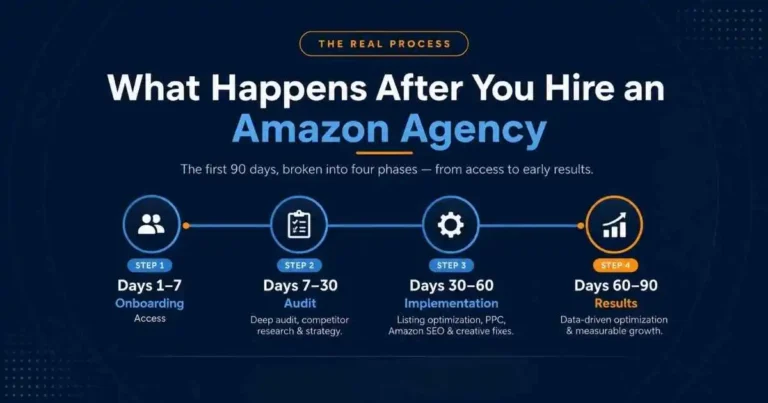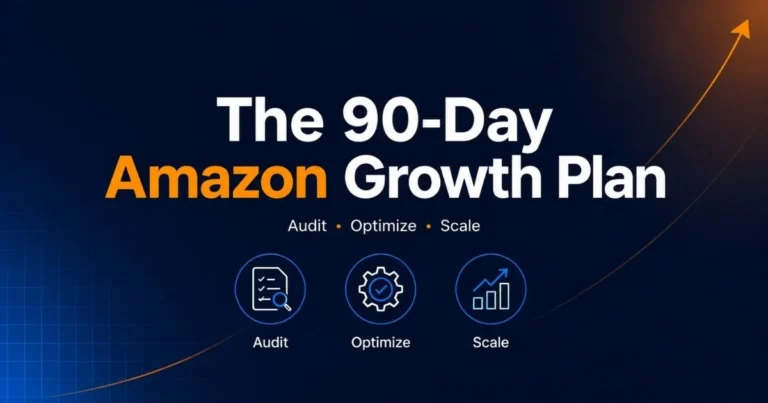
How to Launch a New Product on Amazon Successfully (Step-by-Step Guide for 2026)
Every year, thousands of sellers list new products on Amazon — and most of them fail within the first 90 days. Not because their product was bad. But because they had no real launch strategy. Amazon is no longer a “list it and sell it” marketplace. With millions of active sellers competing for the same customers, launching a product without a proven plan means your listing gets buried on page 5 — where no one ever clicks.
In this guide, you’ll learn exactly how to launch a new product on Amazon successfully — from pre-launch preparation and listing optimization to PPC strategy, review generation, and long-term ranking. Whether you’re a first-time seller or scaling your catalog, this step-by-step framework gives you everything you need to launch with confidence and rank fast.
Let’s get started.
Table of Contents
What Is an Amazon Product Launch?
Understanding how to launch a new product on Amazon successfully starts with knowing what a launch actually involves — listing optimization, keyword targeting, pricing, and PPC campaigns working together. The goal is to generate early sales, improve conversion rates, and signal to Amazon’s algorithm to rank the product higher in search results.
Why Most Amazon Product Launches Fail (And How to Avoid It)
Walk into any Amazon seller community, and you’ll find the same story repeated over and over — someone launched a product, spent money on inventory, ran some ads, and got nothing back. So what actually went wrong?
Most of the time, it comes down to the same handful of mistakes:
- No keyword research — targeting the wrong terms nobody searches for
- Weak listing — a title that doesn’t convert, images that don’t sell, bullet points that say nothing
- Zero launch budget — expecting organic sales on a brand new listing with zero reviews and zero history
- No pricing strategy — launching too high and losing early momentum
- Ignoring the algorithm — not understanding how Amazon actually decides who ranks on page one
The sellers who succeed aren’t luckier than you. They just show up with a plan.
That’s exactly what this guide gives you.
What Is an Amazon Product Launch Strategy and Why Does It Matter for Ranking
Think of launching on Amazon like opening a new restaurant in a busy city. You could just unlock the doors and hope people walk in. Or you could plan — build buzz before opening day, get your first customers through the door, collect early reviews, and create enough momentum that word spreads naturally. One of those approaches works. The other one doesn’t.
An Amazon product launch strategy is a structured plan that covers everything — how your listing is built, how you drive first sales, and how you signal Amazon’s algorithm that your product deserves to rank.
How the Amazon A10 Algorithm Ranks New Products
Amazon’s A10 algorithm ranks products based on real signals — sales velocity, click-through rate, conversion rate, and keyword relevance. New products have none of these signals yet, which is exactly why the first 2–4 weeks after launch are so critical. Feed the algorithm enough data early, and it starts pushing your listing higher organically.
What Happens If You Launch Without a Strategy
No strategy means no early sales velocity, no ranking signals, and a listing buried on page 4 — where you burn ads just to stay visible. A proper launch plan breaks that cycle before it even starts.
Amazon Product Launch Checklist
The first real step in learning how to launch a new product on Amazon successfully is slowing down before you go live — because going live too fast is one of the biggest launch killers out there. Everyone’s excited to see their product on Amazon. That’s understandable. But if your foundation isn’t solid before launch day, you’re essentially burning your launch window — and it’s very hard to get that momentum back once it’s gone.
So before you hit publish, go through this checklist first.
Product Research & Market Demand Validation
Never launch on a hunch. Use Helium 10 to confirm that real demand exists for your product, that well-established brands don’t already dominate the niche, and that your margins actually make sense after Amazon fees, shipping costs, and ad spend.

Competitor Analysis for a Profitable Launch
Spend time going through your top 5 competitors’ reviews — not just the 5-star ones. The 2 and 3-star reviews are where buyers tell you exactly what’s missing. That’s your positioning right there.
Setting Up Amazon Brand Registry
Got a registered trademark? Set up a Brand Registry before you launch. It opens the door to A+ Content, Sponsored Brands, and the Vine Program — three things that can meaningfully move the needle early on.
Choosing Between FBA vs FBM for Your Product
For most products, FBA is the right call. Prime eligibility alone gives your conversion rate a serious bump. But if your margins are tight or your product is oversized, run the numbers on FBM before assuming FBA is the answer.
Amazon Listing Optimization
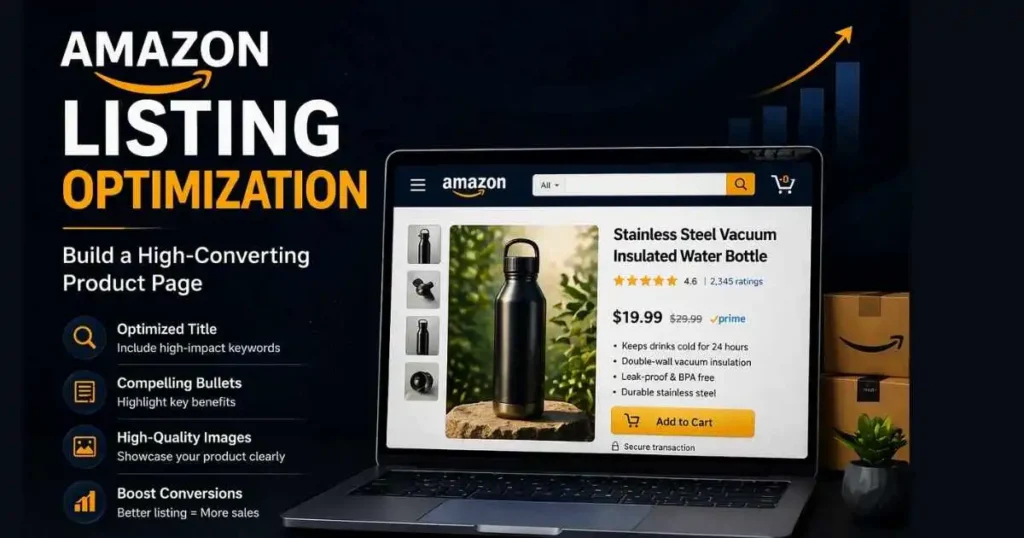
Your listing is your storefront. It’s the first thing a potential buyer sees — and in most cases, it’s the only thing standing between a click and a sale. A poorly optimized listing doesn’t just lose conversions. It actively hurts your ranking because Amazon’s algorithm reads low conversion rates as a signal that your product isn’t relevant. So getting this right isn’t optional — it’s the foundation everything else is built on.
Choosing Between FBA vs FBM for Your Product
Your title needs to do two things at once — rank for the right keywords and make a human want to click. Lead with your primary keyword, include your most important product attributes, and keep it readable. Stuffing 15 keywords into a title might feel thorough, but it looks spammy and kills your CTR.
Bullet Points & Description That Drive Conversions
Think of bullet points as your sales pitch. Don’t just list features — explain what those features mean for the buyer. Every bullet should answer one question: “Why does this matter to me?” Your description is where you tell the full story — address pain points, build trust, and give buyers a reason to choose you over the competition.
Backend Search Terms for Better Indexing
Backend keywords are invisible to buyers but fully visible to Amazon’s algorithm. Use this space to target spelling variations, synonyms, and relevant terms that didn’t fit naturally in your title or bullets. No repetition — every character counts.
Product Images That Sell Before Anyone Reads a Word
Your main image needs to be clean, professional, and instantly clear. After that, use lifestyle shots to show context and infographics to highlight key features. Most buyers make their decision based on images alone — treat them accordingly.
A+ Content to Increase Trust and Conversions
If you’re Brand Registered, A+ Content is non-negotiable. It lets you tell your brand story visually, answer common objections, and create a more polished buying experience — all of which directly improve conversion rates.
Amazon Keyword Research Strategy
Here’s a mistake that’s more common than you’d think — sellers optimize their entire listing around keywords they think buyers are searching for, not the ones they actually are. Keyword research isn’t guesswork. It’s the difference between a listing that gets found and one that doesn’t.
Primary vs Long-Tail Keywords for Amazon SEO
Start with your core keyword — the broad term that best describes your product. Then go deeper. Long-tail keywords like “stainless steel water bottle for hiking” convert better than generic terms because buyers searching for that specifically already know what they want.
Best Tools for Keyword Research
Helium 10 is the go-to here. Use Cerebro to reverse-engineer what your top competitors are ranking for, and Magnet to find high-volume search terms you might be missing. Let the data guide your decisions — not assumptions.
How to Index Your Keywords Before Launch
Don’t wait until launch day to think about indexing. Embed your most important keywords naturally into your title, bullets, and backend fields before going live — so Amazon starts reading your listing correctly from day one.
Amazon Pricing Strategy: How to Maximize Sales Velocity at Launch
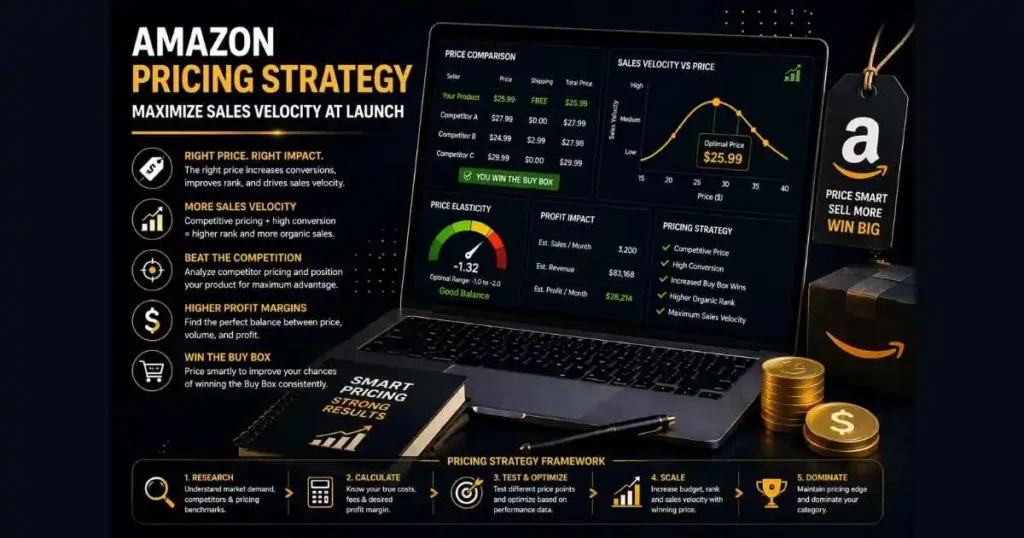
Pricing is one of those things that looks simple on the surface but can make or break your entire launch. Set your price too high on a brand new listing with zero reviews and zero history — and buyers will scroll right past you to a competitor they already trust. Set it too low, and you either kill your margins or train buyers to expect a price you can’t sustain long-term.
Penetration Pricing vs Competitive Pricing — What Works Better?
For most new launches, starting slightly below the market average is the smarter play. It lowers the barrier for that first purchase, helps you build early sales velocity, and gives buyers less reason to hesitate. Once your reviews start stacking up and your BSR improves, you can gradually move your price up.
How Pricing Impacts Conversion Rate and BSR
Amazon’s algorithm pays close attention to how well your listing converts. A competitive price gets more clicks over the line — which means better conversion rate, stronger sales velocity, and a BSR that climbs faster. It’s all connected.
How to Launch and Drive Sales on Amazon
Getting your listing live is just the starting line. The real work of how to launch a new product on Amazon successfully begins here — driving early sales enough to signal Amazon that your product deserves to rank.
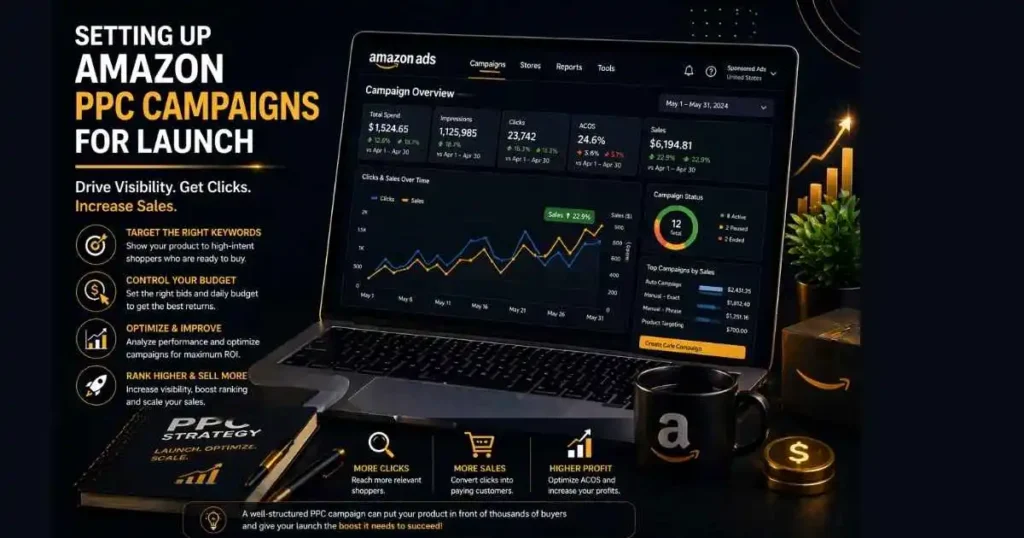
Setting Up Amazon PPC Campaigns for Launch
Start PPC on day one — not week two. Run an automatic campaign first to let Amazon find relevant search terms, then layer in manual campaigns targeting your core keywords. At Scalea2z, we use AI-driven data analysis to handle bid adjustments and overall PPC management, which helps cut wasted spend and improve campaign efficiency from the very first week.
Using Coupons & Deals to Boost Early Sales
A launch coupon — even 10-15% off — visually stands out in search results and gives hesitant buyers that final push. Early sales velocity is worth more than full margin during launch week.
Amazon Vine Program for Getting Verified Reviews
If you’re Brand Registered, enroll your product in the Vine Program. Getting those first verified reviews early builds credibility and directly impacts conversion rate.
Driving External Traffic to Your Listing
Don’t rely on Amazon alone. Push external traffic through Facebook Ads, influencer mentions, or your email list to boost sales velocity and strengthen your organic ranking signals.
How to Get Your First Reviews Safely
Reviews are social proof. And on Amazon, social proof is everything. A listing with zero reviews asking someone to hand over their money is a tough sell — no matter how good your product actually is. Getting those first reviews early isn’t just about credibility, it directly impacts your conversion rate and how seriously Amazon’s algorithm takes your listing.
How to Get Initial Reviews Without Violating Amazon Policies
The safest and most effective route is the “Request a Review” button inside Seller Central. It’s Amazon-approved, simple, and surprisingly effective when used consistently on every order.
Using Follow-Up Emails via Seller Central
Set up automated follow-up messages through Seller Central to thank buyers and gently remind them to leave feedback. Keep it simple — no incentives, no pressure. Just a friendly nudge at the right moment.
Review Mistakes That Can Get You Suspended
Never offer discounts, gift cards, or anything of value in exchange for a review. Never ask friends or family. Amazon’s detection systems are sophisticated — the short-term gain isn’t worth a permanent ban.
Amazon Inventory Management
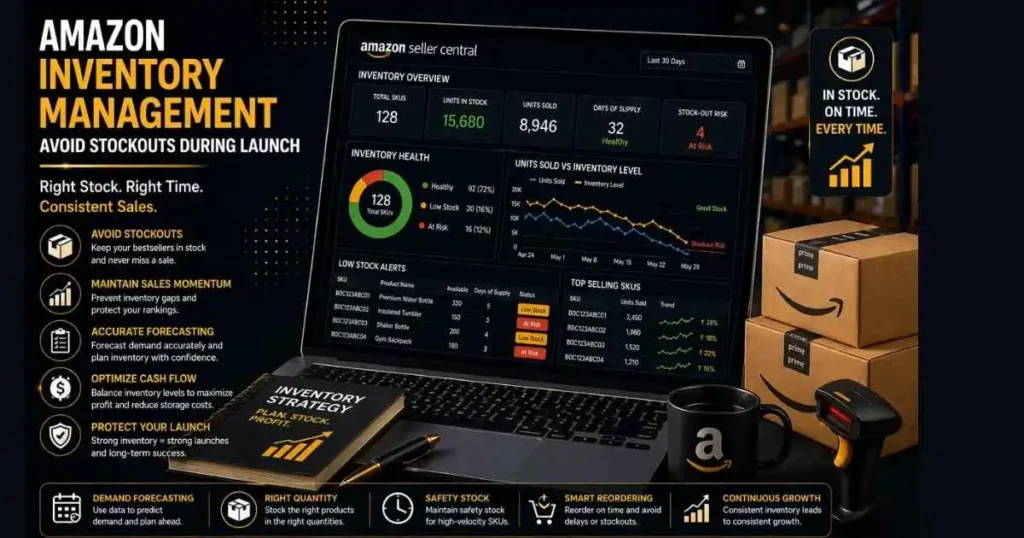
Most sellers think about inventory after there’s a problem. By then, it’s too late. Running out of stock during your launch phase isn’t just an inconvenience — it’s one of the fastest ways to destroy the ranking momentum you worked so hard to build. Amazon doesn’t hold your position while you wait for a restock. It simply moves on to the next seller.
How to Forecast Inventory for a New Product
Before launch, estimate your daily sales target realistically. Factor in your PPC spend, any deals or coupons you’re planning, and external traffic pushes. Then add a buffer — because things almost always move faster than expected when a launch goes well.
Why Running Out of Stock Kills Your Ranking
The moment you go out of stock, your BSR drops, your keyword rankings slip, and your organic visibility takes a hit that can take weeks to recover from. All that early momentum — the sales velocity, the reviews, the algorithm signals — essentially resets. Protect your launch by treating inventory management as seriously as your listing or your ads.
How to Rank Higher and Scale Your Product
Getting your product live and generating early sales is a win, but it’s not the finish line. What you do in the weeks after launch determines whether your product holds its position or slowly fades back into page 4. Post-launch is where the real optimization begins.
Key Metrics to Track After Launch
Keep a close eye on these numbers every single week:
- CTR (Click-Through Rate) — Are buyers clicking your listing in search results?
- CVR (Conversion Rate) — are those clicks turning into sales?
- BSR (Best Seller Rank) — Is your rank trending up or down?
- ACoS & TACoS — is your ad spend actually profitable?
If any of these numbers look off, something in your listing or campaign needs attention.
How to Analyze Amazon Search Term Reports
Your search term reports are a goldmine. Look for terms that are spending money but not converting — pause them. Look for terms that are converting well but aren’t in your manual campaigns — add them immediately.
Scaling PPC Campaigns Profitably
Once your campaigns have enough data — usually 2 to 3 weeks — start gradually increasing bids on your best-performing keywords. Scale what works, cut what doesn’t.
Common Amazon Product Launch Mistakes to Avoid in 2026
Every seller makes mistakes. But some mistakes on Amazon don’t just cost you money — they cost you your entire launch window. Here are the ones worth avoiding. Launching before validating demand. It sounds obvious, but sellers do this constantly. Falling in love with a product idea without checking if real buyers are actually searching for it is how you end up with 500 units sitting in an FBA warehouse. Going live with a half-built listing. Weak images, thin bullet points, empty backend fields — Amazon’s algorithm notices all of it. So do buyers.
Waiting on PPC. Some sellers want to “wait and see” before running ads. On a brand-new listing with no reviews or history, organic traffic is essentially zero. Ads are how you get the momentum started. Not watching the numbers. Your metrics are telling you something every single day. Low CTR means your main image or title isn’t pulling people in. Low CVR means something in your listing is killing the sale. Ignoring this data is leaving money on the table.
Taking shortcuts with reviews. Amazon’s systems are smarter than most sellers give them credit for. Incentivized reviews, fake orders, review swaps — it’s not worth the risk of losing your account over a handful of stars.
Conclusion
Launching a product on Amazon isn’t something you figure out as you go — at least not if you want real results. This guide walked you through every phase of how to launch a new product on Amazon successfully — from validating your idea and building a listing that converts, to running smart PPC campaigns, earning early reviews, and scaling after launch. None of these steps works in isolation. They work together.
The sellers sitting on page one right now didn’t get there by accident. They planned, executed, and adjusted along the way — and that’s exactly what this framework gives you the ability to do.
Start with step one. Build from there. The rest follows.
FAQs About Launching a New Product on Amazon
How long does it take to rank a new product on Amazon?
There’s no fixed timeline — but realistically, with a solid launch strategy, consistent PPC, and good early sales velocity, most products start seeing meaningful organic movement within 4 to 8 weeks. Some niches are more competitive than others, so patience matters here.
How much budget do I need for a successful Amazon launch?
It depends on your category and competition level. A realistic starting point for most sellers is $500 to $1,500 for the first month of PPC alone — on top of inventory costs. Going underfunded is one of the most common reasons launches stall early.
Do I need PPC to launch a product on Amazon?
Practically speaking, yes. Organic visibility on a brand-new listing is almost zero. PPC is how you get your product in front of buyers while your organic ranking is still building. You don’t need a massive budget — but you do need to run ads.
What is the fastest way to get initial sales on Amazon?
A combination of competitive launch pricing, a fully optimized listing, an active PPC campaign, and a launch coupon will give you the best shot at early sales. External traffic from social media or email can accelerate things further.
Can I launch a product on Amazon without any reviews?
Yes — but it’s harder. No reviews means buyers have no social proof to lean on, which hurts your conversion rate. Focus on enrolling in the Vine Program if you’re Brand Registered, and use the “Request a Review” button consistently from your very first order.