How to Scale Without Increasing Ad Spend — Real Results
Most Amazon sellers hit a wall at some point. Sales plateau, ACoS creeps up, and the instinct is to throw more money at ads. More budget, higher bids, broader reach — it feels like the logical next step. But in most cases, it is not a budget problem. It is an efficiency problem.
We have worked with sellers who were spending thousands every month on Amazon PPC and still not growing. When we dug into their accounts, the issue was never the budget size. It was how that budget was being used. That is when we started applying a model focused entirely on learning how to scale without increasing ad spend — and the results changed how we approach every account we manage.
This blog walks you through exactly what that model looks like, step by step.
Quick Answer: Yes, you can scale without increasing ad spend. The way to do it is to stop spending on what is not working and put that same budget behind what already is. Fix your listing CVR, mine your search terms, cut irrelevant targets, and track TACoS to measure real growth. When your organic sales start climbing alongside your paid sales, you are scaling the right way — without spending a dollar more.
Why More Spend Was Not the Fix
The Common Seller Mistake
When growth stalls, the first thing most sellers do is increase their daily budget. It makes sense on the surface — more impressions, more clicks, more sales. But if the underlying campaigns are inefficient, a bigger budget just accelerates the waste. You are not scaling a profitable system. You are scaling a broken one.
We see this pattern constantly. A seller doubles their ad spend, revenue ticks up slightly, but ACoS jumps, and profit disappears. They blame the market, the competition, and the algorithm. The real problem is that bad campaigns do not become good campaigns with more money.
What Real Scaling Means
Real scaling means your revenue grows while your cost efficiency holds or improves. It means more sales from the same budget because every dollar is working harder than it was before. That is the difference between spending your way to growth and actually building it.
To scale Amazon PPC profitably, you need to stop asking “how much more should I spend?” and start asking “how much of what I am already spending is actually working?”
The Same-Budget Scaling Model
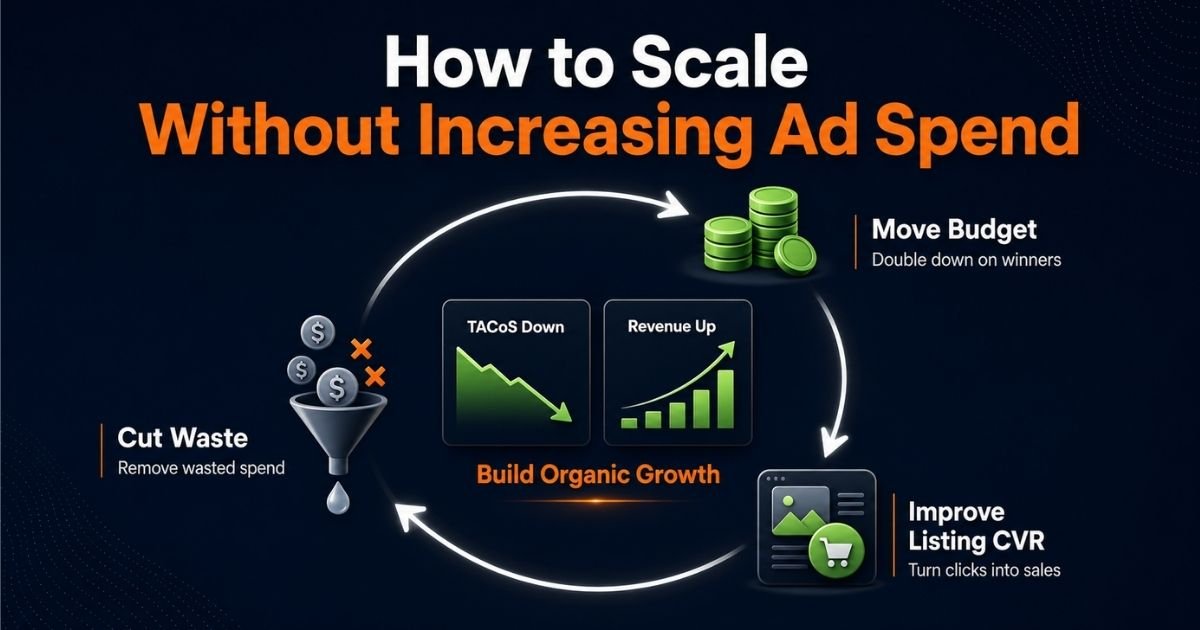
Before touching budgets at all, we apply a three-part model to every account. This is the foundation of scaling without increasing ad spend.
Cut Waste
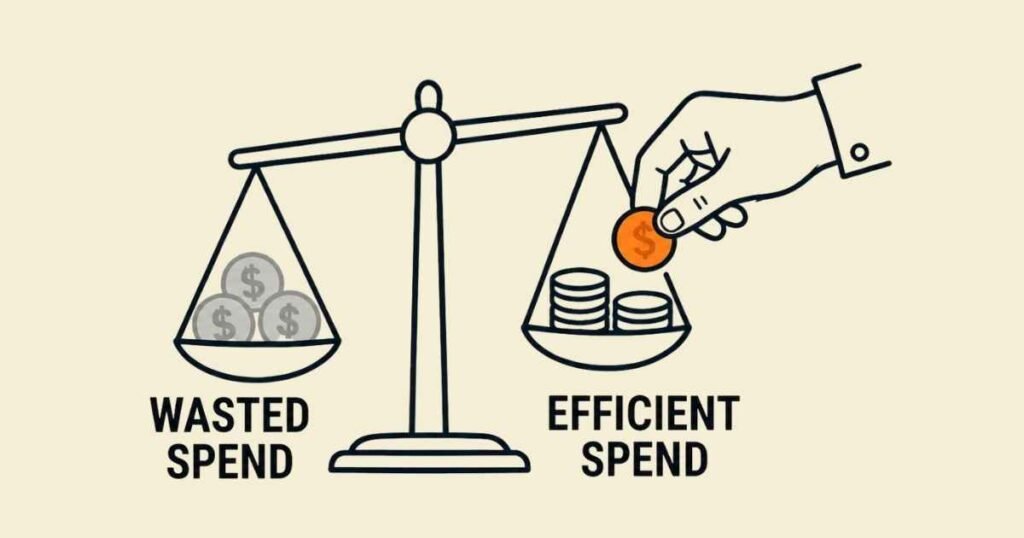
The first move is always to find where the budget is leaking. Most accounts have a significant portion of spend going to search terms, targets, and campaigns that generate clicks but no conversions. Cutting that waste frees up real money without increasing the overall budget.
Move Budget
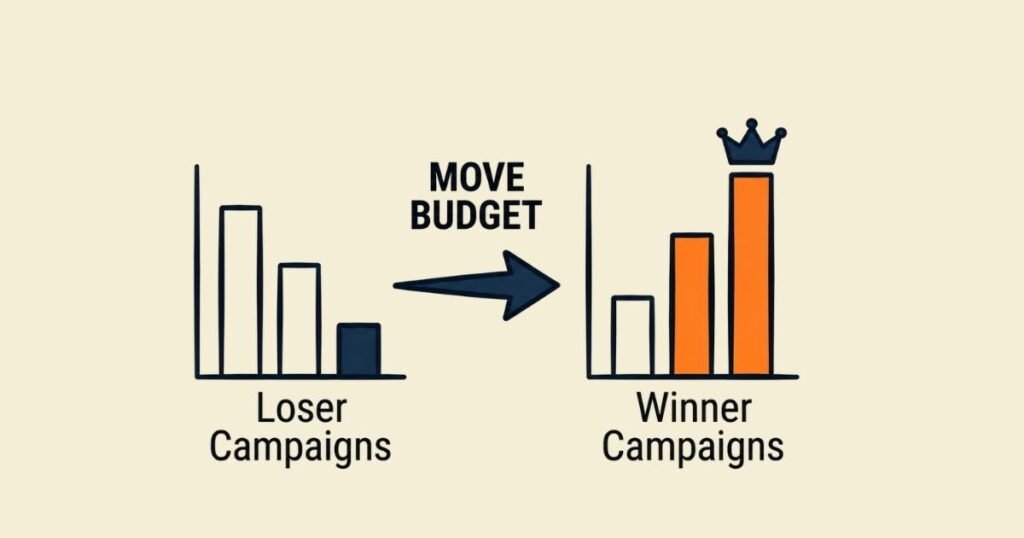
Once the waste is identified and removed, that recovered budget does not disappear. It gets reallocated to campaigns and keywords with a proven track record. This is how you increase sales without increasing ad budget — you simply stop funding the losers and double down on the winners.
Improve Conversion
The third piece is fixing what happens after the click. If your listing is not converting, every click is wasted money, regardless of how targeted your campaigns are. Improving CVR means your existing spend generates more sales automatically, no budget increase required.
These three levers, applied together, are what allow you to scale without increasing ad spend in a way that actually holds over time.
Find Budget Leaks
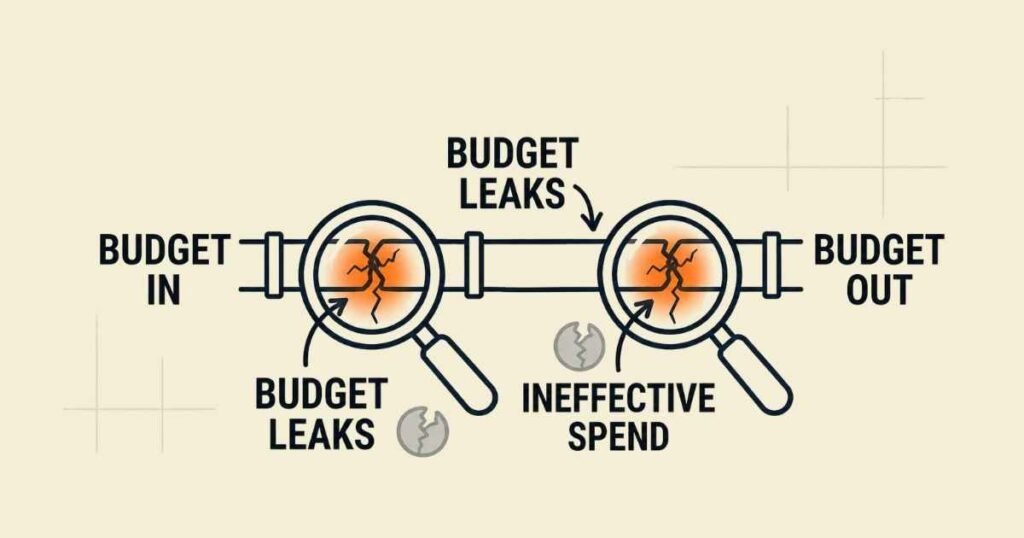
This is where every optimization starts. Before you can fix anything, you need to know where the money is going.
Check Search Terms
Your Search Term Report inside Seller Central is the most important document in your PPC account. Pull it weekly and filter by spend. Look for search terms that have accumulated significant spend but zero or very few conversions. These are your budget leaks, real money leaving your account with nothing to show for it.
Amazon search term mining is not a one-time activity. It is an ongoing process. Every week, new search terms trigger your ads, and some of them will never convert for your product. The faster you identify them, the less money you lose.
Spot Weak Keywords
Not all keywords deserve equal budget. Some keywords have been running for weeks, spending steadily, and converting poorly. These are different from complete dead weight — they might convert occasionally, but at an ACoS that makes them unprofitable. Identify them clearly and either reduce their bids significantly or pause them. Do not let weak keywords quietly drain your budget month after month.
Review Campaign Overlap
If multiple campaigns target the same keywords or ASINs, your budget is unnecessarily split between them. This is one of the most common structural problems we find in Amazon PPC accounts. Consolidate overlapping targets, clean up the structure, and make sure each campaign has a clear, distinct purpose. A Proper Amazon PPC campaign structure is what makes budget management possible in the first place.
Stop Wasted Clicks
Once you know where the leaks are, you need to seal them. This step is about preventing bad traffic from eating your budget going forward.
Add Negative Keywords
Negative keywords are how you tell Amazon which searches you do not want to show up for. Every irrelevant search term you identify in Step 1 should be added as a negative. This is not a complex process, but it requires consistency. A negative keyword list that is never updated stops working. Treat it as a live document that grows every week alongside your account.
Remove Bad Targets
In product targeting campaigns, you may be running ads against ASINs or categories that have never converted. Check your product targeting performance and remove any targets that have high spend with no sales. This is a quick win that directly reduces wasted ad spend and improves overall campaign efficiency.
Control Auto Campaigns
Auto campaigns are useful for discovery — they help you find search terms you might not have thought to target manually. But left uncontrolled, they can consume a disproportionate share of your budget on irrelevant traffic. Keep auto campaign budgets capped, review their search terms regularly, and harvest any converting terms into manual campaigns where you have full control over bids and budget.
Move Budget to Winners
This is where the model shifts from defensive to offensive. You have cut the waste, now you deploy that recovered budget where it will actually produce results.
Find Top Campaigns
Look at your campaign performance over the last 30 days and filter by conversions, ACoS, and ROAS. Your top 20 percent of campaigns are almost certainly generating the majority of your profitable sales. These are the ones worth investing in. Identify them clearly before moving any budget.
Fund Proven Keywords
Within those top campaigns, look at which specific keywords are driving the most conversions at or below your target ACoS. These are your proven performers. Increase their bids modestly and ensure they are never losing impressions due to budget constraints. When you reallocate ad budget to keywords that already work, you are not taking a risk — you are compounding what is already profitable.
Protect Campaign History
One mistake sellers make when restructuring is pausing campaigns that have built up conversion history. Amazon’s algorithm uses that history to optimise delivery. When you pause a campaign, that data goes dormant. Instead of pausing, reduce bids on underperformers and shift budget between campaigns rather than rebuilding from scratch. Protecting campaign history protects your ability to improve ROAS on Amazon over time.
Improve Listing CVR
The most overlooked lever in Amazon PPC is the listing itself. Your ads drive traffic, your listing closes the sale. If your conversion rate is low, no amount of campaign optimisation will fix your profitability. This is how you lower ACoS without losing sales — you improve what

Fix the Main Image
Your main image is the single most important element on your listing. It determines whether a shopper clicks at all, and it heavily influences whether they buy after landing. A weak main image loses the sale before the ad even gets a chance to work. If your CTR is low, the image is usually the first place to look.
Improve the Offer
Look at your bullet points and product description with fresh eyes. Are they clearly communicating the product’s benefit? Are they addressing the customer’s actual concerns? Thin copy, vague claims, and missed keywords are conversion killers. Strong listing copy directly supports listing conversion and reduces your effective cost per sale.
Check Price and Reviews
Price competitiveness and review count are two of the biggest CVR drivers on Amazon. If your product is priced significantly above similar listings, or if your review count is low relative to competitors, even well-targeted ads will struggle to convert. Improving these factors improves CVR across all your campaigns simultaneously — which means every dollar of existing ad spend produces more sales.
Track TACoS and Rank
This step is how you know whether the model is actually working. The metrics you track determine the decisions you make, and most sellers are tracking the wrong ones.
Watch Total Sales
ACoS only measures your ad-attributed sales. It tells you how efficient your paid campaigns are, but it does not tell you how your overall business is performing. TACoS — Total Advertising Cost of Sale divides your total ad spend by your total revenue, including organic sales. This is the number that shows whether your ads are building real growth or just recycling sales you would have made anyway.
A falling TACoS alongside growing total revenue is the clearest signal that your efforts are working. It means organic sales are increasing, ad dependency is decreasing, and you are scaling without increasing ad spend in the truest sense.
Measure Organic Growth
Track your organic rank for your primary keywords weekly. When PPC campaigns generate consistent sales on a keyword, Amazon rewards your listing with better organic placement for that term. This is the flywheel effect — paid sales build organic rank, organic rank drives free traffic, free traffic reduces your reliance on paid spend. Every brand that successfully scales without increasing budget is leveraging this flywheel, whether they realise it or not.
Spot When Organic Is Taking Over
As organic rank improves, you will notice your organic sales increasing as a share of total sales. When a keyword starts generating strong organic traffic, you can afford to reduce your paid bids on that term without losing overall visibility. This frees up budget to invest in keywords where organic rank is still weak, and the cycle continues.
Tune Bids Carefully
Bid management is the final layer of the model. It is not where you start, but it matters significantly once the structural work is done.
Lower Weak Bids
For keywords that are spending but converting below your target ACoS, lower bids by gradually 10 to 15 percent at a time. Aggressive bid drops disrupt campaign learning and make it hard to diagnose what changed. Small, consistent reductions over time bring ACoS down without destabilising the campaign.
Adjust Placements
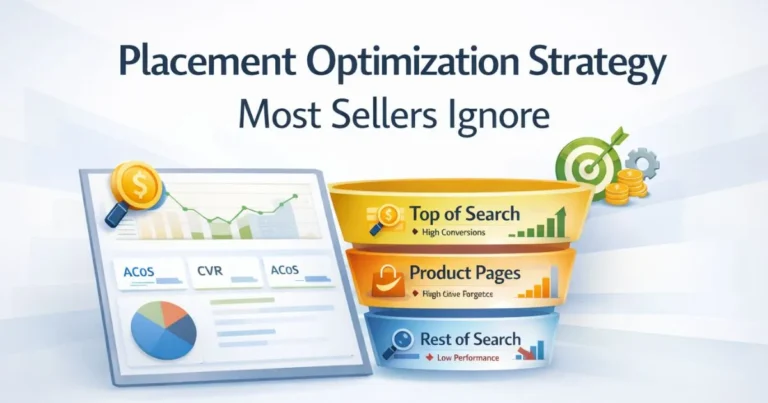
Your placement report inside Campaign Manager shows you how your ads perform at the top of search, in the middle of search results, and on product pages. These three placements have very different conversion rates. If top-of-search is converting significantly better for your product, a modest placement bid adjustment can improve ROAS on Amazon without increasing overall spend. Only adjust placements when the data supports it, not as a default setting.
Pause When Needed
Some keywords and targets simply do not work for your product, regardless of how much you optimise them. When a keyword has consistent spend, low CVR, and high CPC with no improvement over several weeks, pausing it is the right call. That budget is better deployed elsewhere. Knowing when to pause is as important as knowing when to scale.
Case Study — Same Spend, More Sales
Starting Problem
A home and kitchen brand came to us, spending $6,200 per month on Amazon ads. Their ACoS was sitting at 44 percent, and their TACoS had climbed to 21 percent over three months. Total revenue had grown slightly, but their net margin had dropped below 9 percent. They assumed they needed to increase their budget to grow. We disagreed.
What We Changed
We started with a full search term audit and identified over $1,400 in monthly spend going to irrelevant search terms that had never produced a single conversion. That spending was cut immediately. We then pulled their campaign performance data and found that three campaigns out of fourteen were responsible for 68 percent of all profitable sales. The remaining eleven campaigns were consuming 54 percent of the budget. We reallocated that budget toward the three proven campaigns and their top-converting keywords.
On the listing side, their main image was weak, and their bullet points were generic. We flagged both for improvement. Within three weeks of updating the main image alone, their CTR improved by 31 percent.
You can see a detailed breakdown of how budget reallocation and search terms work to drive real results in our ad spend reduction case study.
Final Results
Over eight weeks, with zero increase in total ad spend:
- ACoS dropped from 44% to 26%
- TACoS fell from 21% to 13%
- Total revenue increased by 34%
- Net margin recovered to 17%
The budget did not change. What changed was where it went and how the listing supported it. That is the model.
How ScaleA2Z Helps Brands Scale Smarter
Scaling without increasing ad spend is not a shortcut. It requires consistent execution, honest data analysis, and the discipline to stop funding what is not working even when it feels risky.
At ScaleA2Z, our Amazon PPC optimization process starts exactly where this blog does — with a full account audit that identifies wasted spend, weak campaigns, and listing conversion problems before we change a single bid. Every recommendation we make is tied to your actual margin data, not generic benchmarks.
We manage Sponsored Products, Sponsored Brands, and Sponsored Display campaigns with a clear focus on TACoS direction, not just ACoS in isolation. Because growing your Amazon business means growing total revenue profitably — and that requires looking at the full picture.
If your ads are spending but your sales are not growing, the problem is rarely the budget size.
Conclusion
Scaling on Amazon does not require a bigger budget. It requires a smarter one. The brands that grow consistently are not the ones spending the most — they are the ones who know exactly where every dollar is going and make sure it is working as hard as possible.
Cut the waste, move the budget, fix the listing, and track TACoS. That is how you scale without increasing ad spend in a way that builds real, lasting growth. If you are ready to apply this model to your account, ScaleA2Z can help you get there faster.
Can you scale without increasing ad spend?
Yes. Scaling without increasing ad spend is possible when your current budget has inefficiencies — and most accounts do. By cutting spend on non-converting search terms and targets, reallocating that budget to proven campaigns, and improving listing CVR, you can generate significantly more sales from the same monthly investment. The key is fixing efficiency before adding volume.
How do you reduce wasted ad spend?
Start by pulling your Search Term Report and identifying terms that have accumulated spend with zero or very few conversions. Add those terms as negatives. Then review your product targeting campaigns and remove any ASINs or categories that have never converted. These two actions alone can recover a meaningful portion of your monthly budget within the first week.
Why do negative keywords matter?
Negative keywords prevent your ads from showing on irrelevant searches. Every irrelevant click costs money and contributes nothing to your sales. By systematically adding negatives based on your search term data, you reduce wasted ad spend and improve the overall quality of the traffic your campaigns generate.
What TACoS shows healthy scaling?
A healthy TACoS depends on your product margin, but a general benchmark is below 10 to 15 percent for established products. More importantly, watch the direction. A declining TACoS alongside growing total revenue means your organic sales are increasing relative to your ad spend — which is exactly what healthy scaling looks like. A rising TACoS with flat total revenue is a warning sign.
How does CVR lower ACoS?
ACoS is calculated as ad spend divided by ad revenue. When your conversion rate improves, the same number of clicks produces more sales, which means your ad revenue increases without your spend changing. A higher CVR directly reduces ACoS because more of your clicks are turning into orders. This is why fixing your listing is often more impactful than adjusting bids.
When should you reallocate budget instead of increase it?
Reallocate before you ever consider increasing the budget. If any of your campaigns have high spend and low conversions, that money is better deployed behind your proven performers. Only consider increasing overall budget once your existing spend is fully efficient — meaning your top campaigns are constrained by budget and your TACoS is stable or improving.